 Pro Musician Toolkit
Loop the hard part until you have it
The Practice Looper plays a song on repeat between two points you choose, so you can work on one bar, one solo or one chorus without reaching for the scrub bar every time.
Import audio from Files or songs from your music library, set A and B with a swipe, and save the loops you come back to.
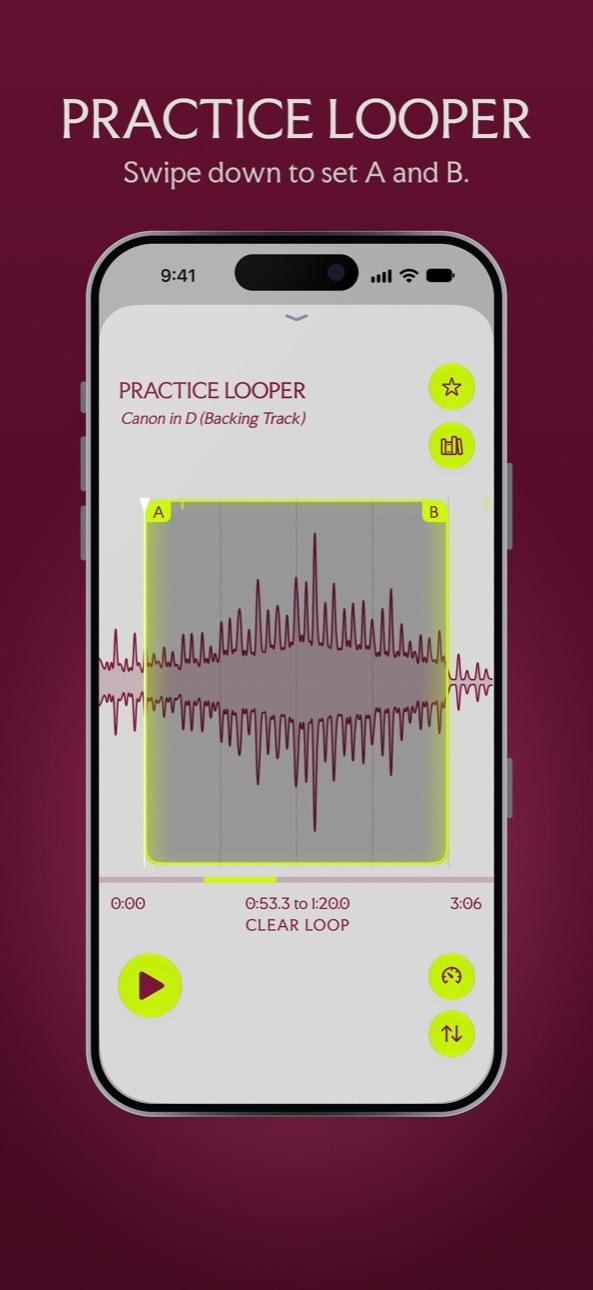
Set a loop with a swipe
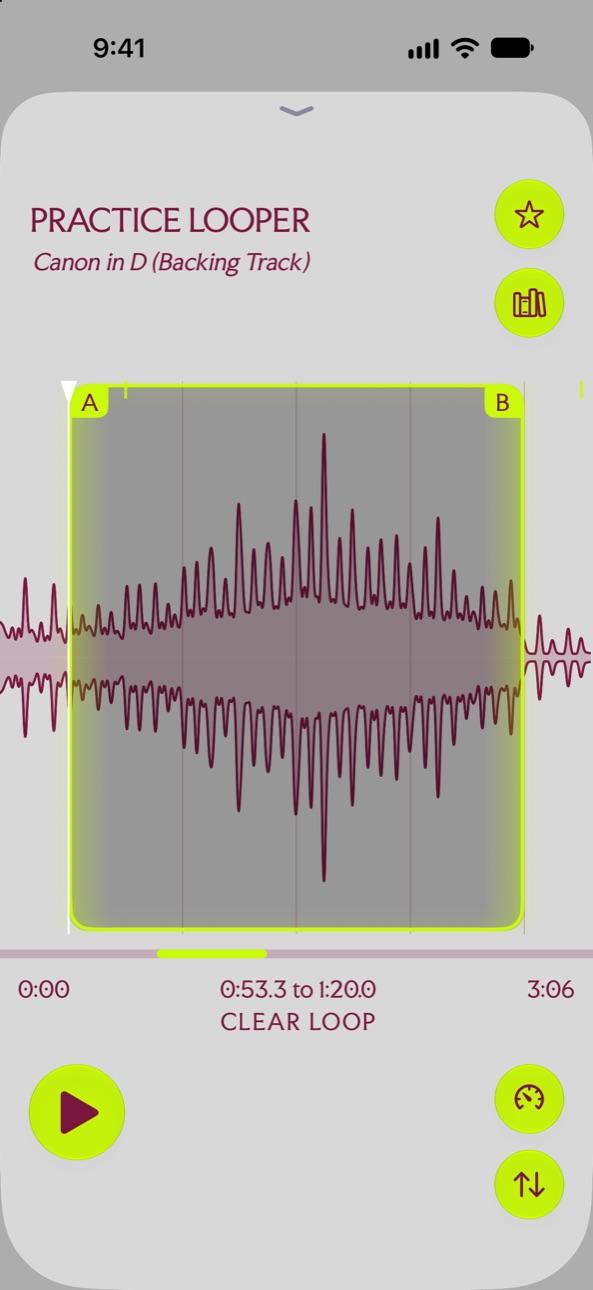
- Swipe down on the waveform to set A and B.
- Tap to move the indicator.
- Swipe up on a point to remove it.
- Pinch to zoom and drag to slide, so you can place a loop point on the exact beat.
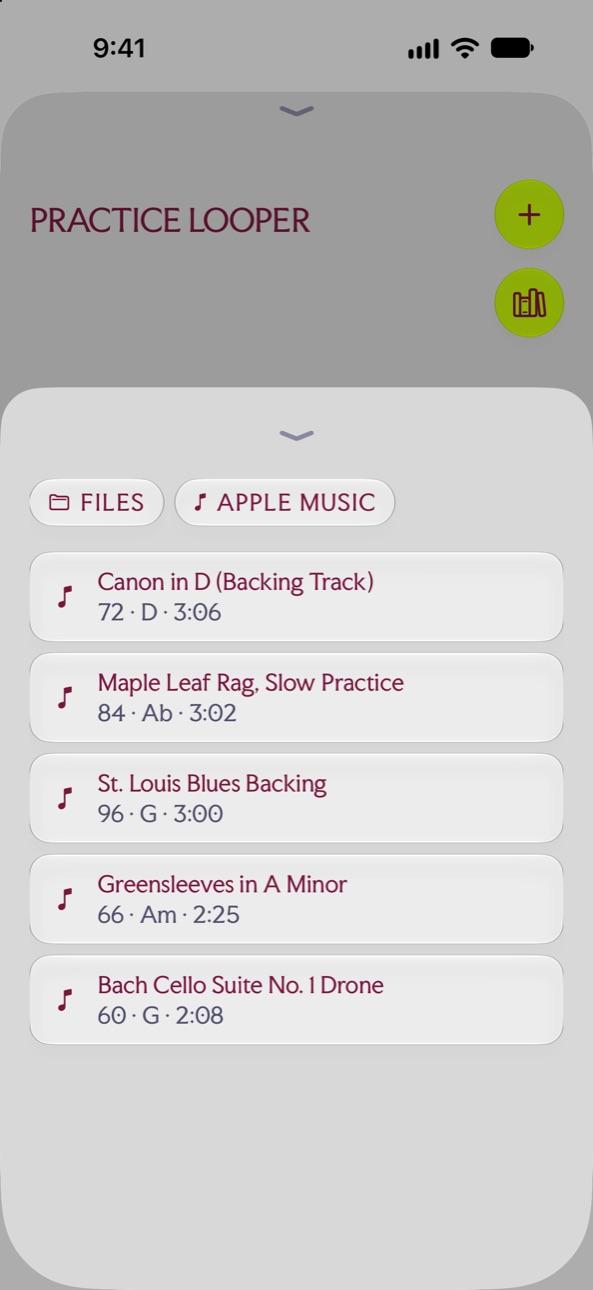
Bring your own music
Tap FILES to open an MP3, M4A, WAV, AAC, FLAC or AIFF file, or APPLE MUSIC to pick a song from your library. Each track shows its tempo, key and length in the list.
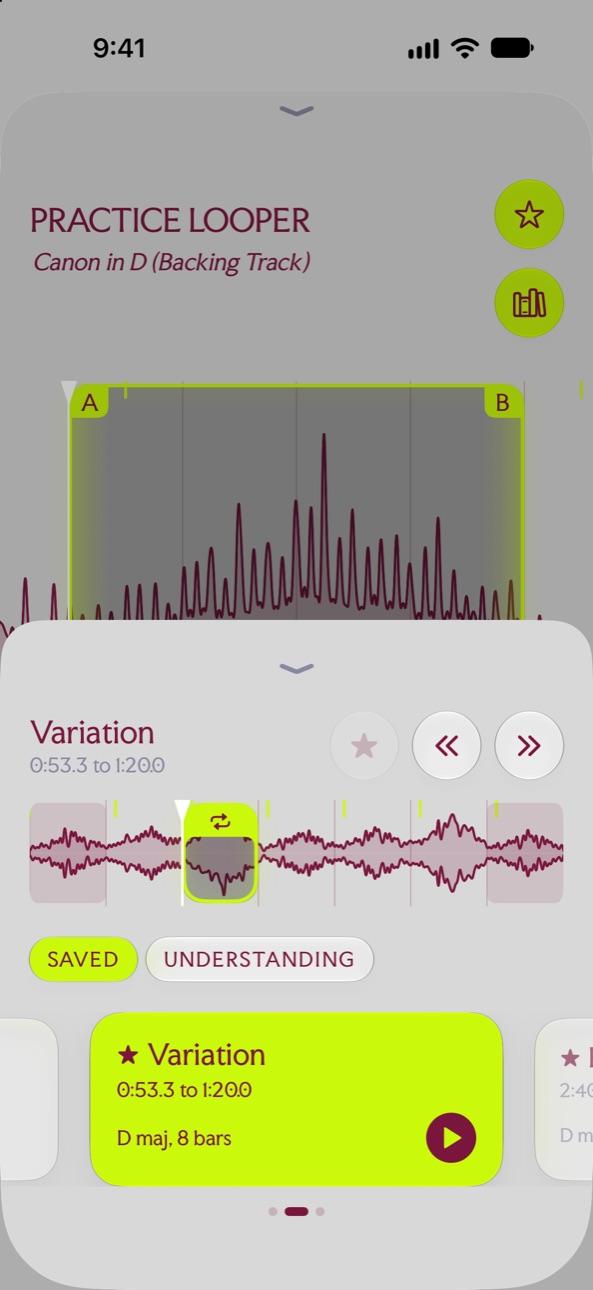
Save loops per track
Star a loop to keep it with the track. Saved loops sit in a strip under the waveform, next to the sections Understanding finds on iOS 27, so you can jump between the verse, the bridge and the solo.
Questions
Which audio files can I loop?
MP3, M4A, WAV, AAC, FLAC and AIFF from Files, or songs from your music library.
Can I slow the loop down?
Yes. Speed goes from a quarter speed to double speed without changing the pitch. See slowing down music.
Try it in Pro Musician Toolkit
Free on the App Store for iPhone and iPad. Requires iOS 17 or later.