 Pro Musician Toolkit
Find the tempo of what you play
The tempo tool in Detect finds the BPM of what you play in two ways: it can listen, or you can tap along.
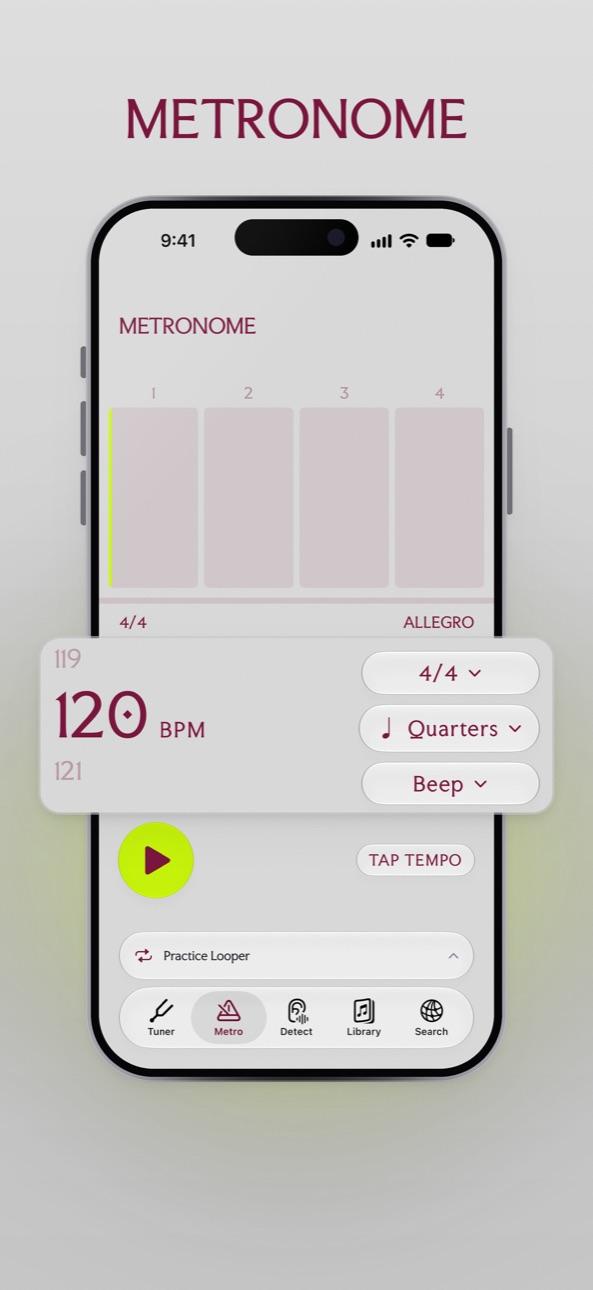
Once you have the number, set the metronome to it and practice at the real tempo, or slow it down in the Practice Looper.
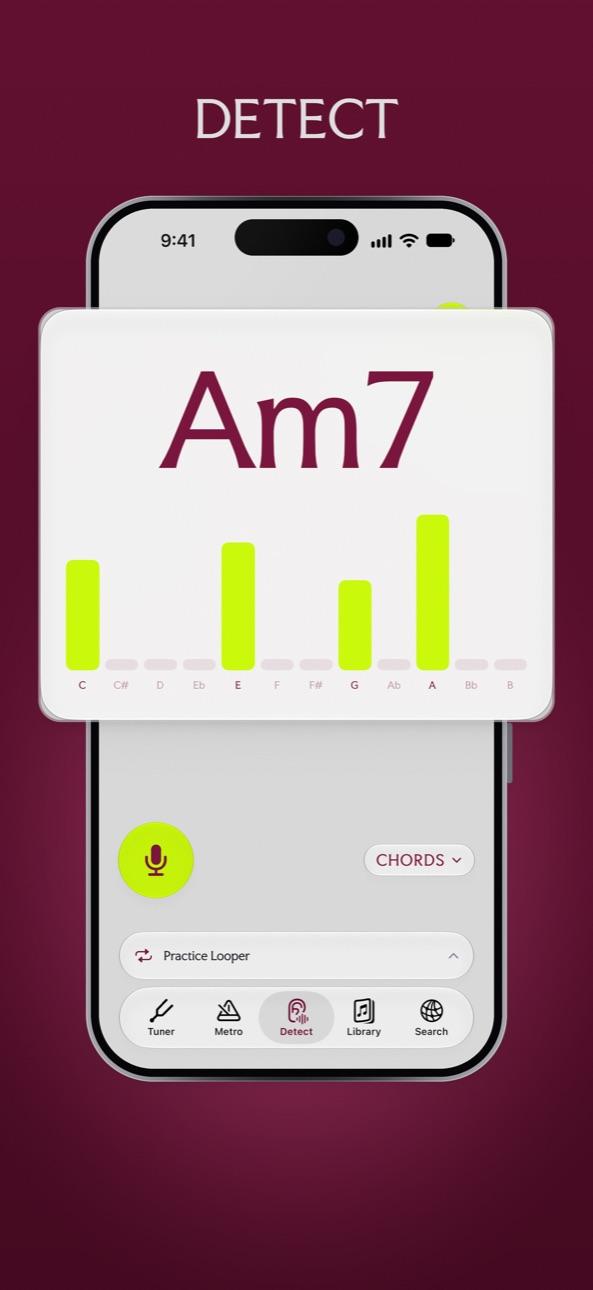
Listen
Tap to start listening and play. The app picks out the beat and reports a tempo, folded into the range from 60 to 180 BPM where almost all music sits, so a song is not reported at double or half its real speed.
Tap
Prefer to count it yourself? Tap along with the beat. The tempo is averaged over your last 16 taps, and if you stop for three seconds it starts again, so you can try a second time without resetting anything.
From tempo to practice
- Use the number on the metronome, which runs from 20 to 300 BPM.
- On iOS 27, Music Understanding can also report tempo, along with key, bars and sections, over a longer stretch.
Questions
Why does it say 90 when the song feels like 180?
Detected tempos are folded into 60 to 180 BPM. If you count the song in double time, double the number.
Can I find the BPM of a song in my library?
Play it out loud and let Detect listen, or tap along. On iOS 27, Music Understanding in the Practice Looper reads tempo from the track itself.
Try it in Pro Musician Toolkit
Free on the App Store for iPhone and iPad. Requires iOS 17 or later.