 Pro Musician Toolkit
Play a chord and see its name
Detect listens to what you play and names the chord, along with the notes in it. Switch to single note mode and it follows a melody note by note instead.
It is handy for checking a voicing, working out a chord from a recording you are playing along to, or teaching.
How it reads a chord
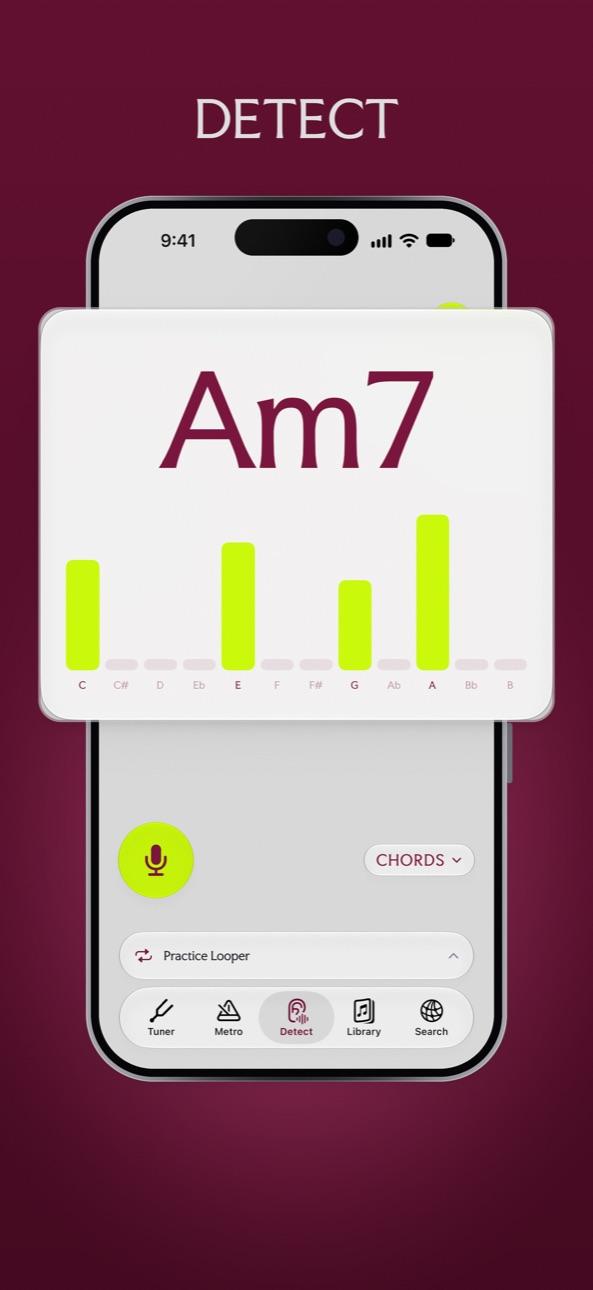
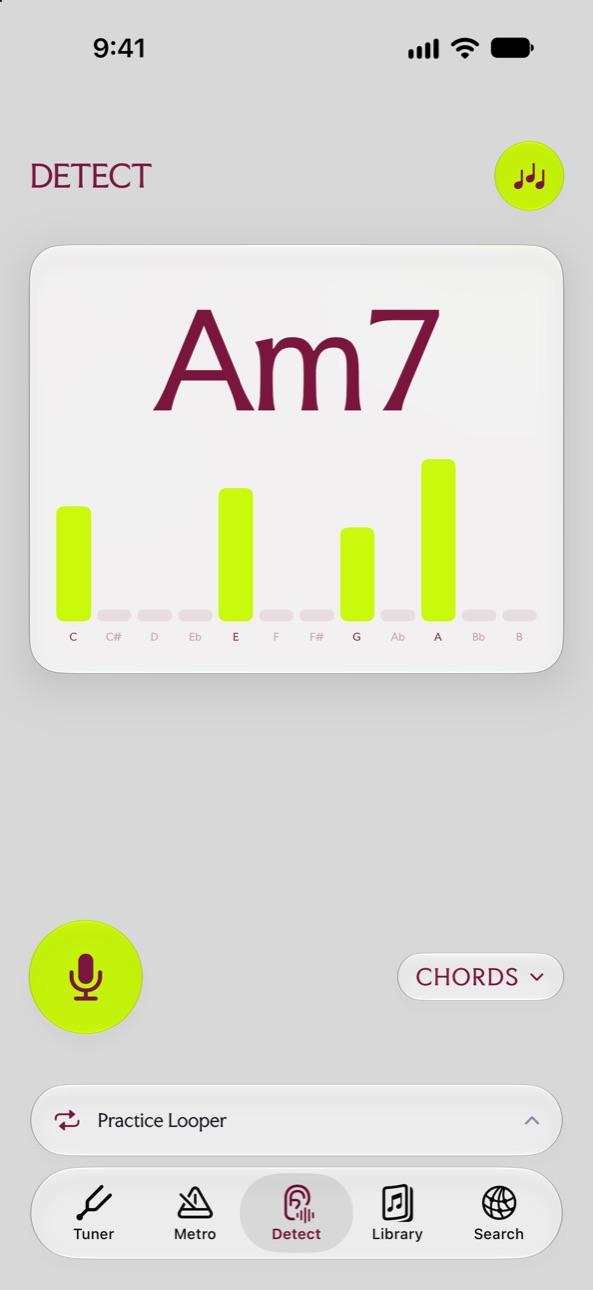
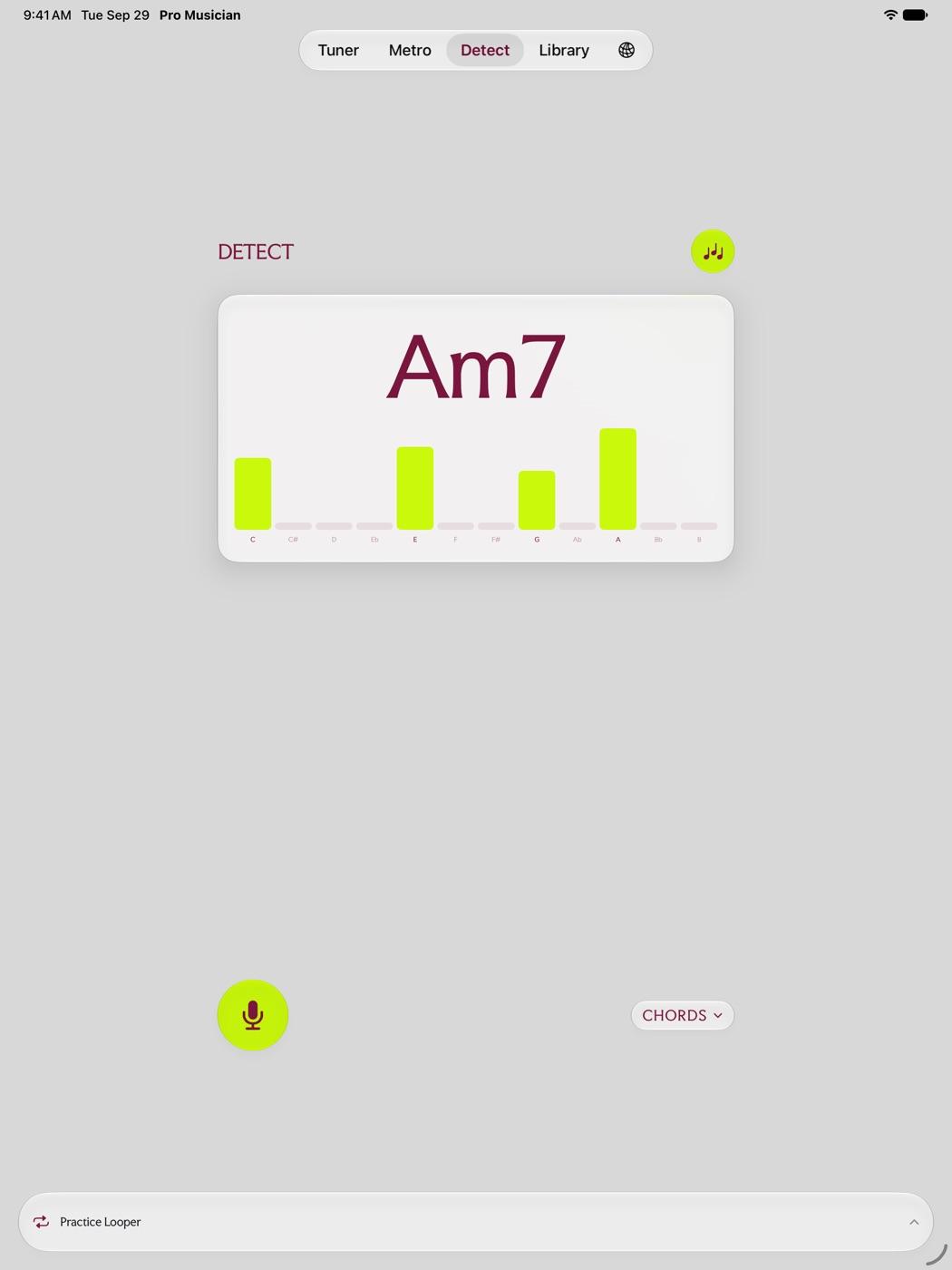
While Detect is open it listens through the microphone and shows the strength of each of the twelve notes as a bar. The chord name is worked out from the notes that are sounding, so you can see why it chose Am7 and not C6.
Chords it recognizes
- Major, minor, diminished and augmented triads.
- Suspended chords: sus2 and sus4.
- Sixths: 6 and m6.
- Sevenths: 7, maj7, m7, mMaj7, half diminished and dim7.
- Extended chords: 9, maj9, m9, 11 and 13.
- Power chords (5).
Chords or single notes
The CHORDS pill switches between listening for chords and listening for one note. Single note mode is useful for picking out a melody or a bass line.
Questions
Can it detect chords from a song playing nearby?
It listens through the microphone, so it hears whatever is in the room. A clean instrument works best; a busy mix with drums and vocals is harder to read.
Is anything recorded?
No. The microphone listens only while the tuner or Detect is open, and nothing is recorded or sent anywhere.
Try it in Pro Musician Toolkit
Free on the App Store for iPhone and iPad. Requires iOS 17 or later.