 Hayom: Study
Make the Hayom Yom look the way you read
Open Look + Layout to change how the lesson looks. Every choice is remembered, and the widget follows it.
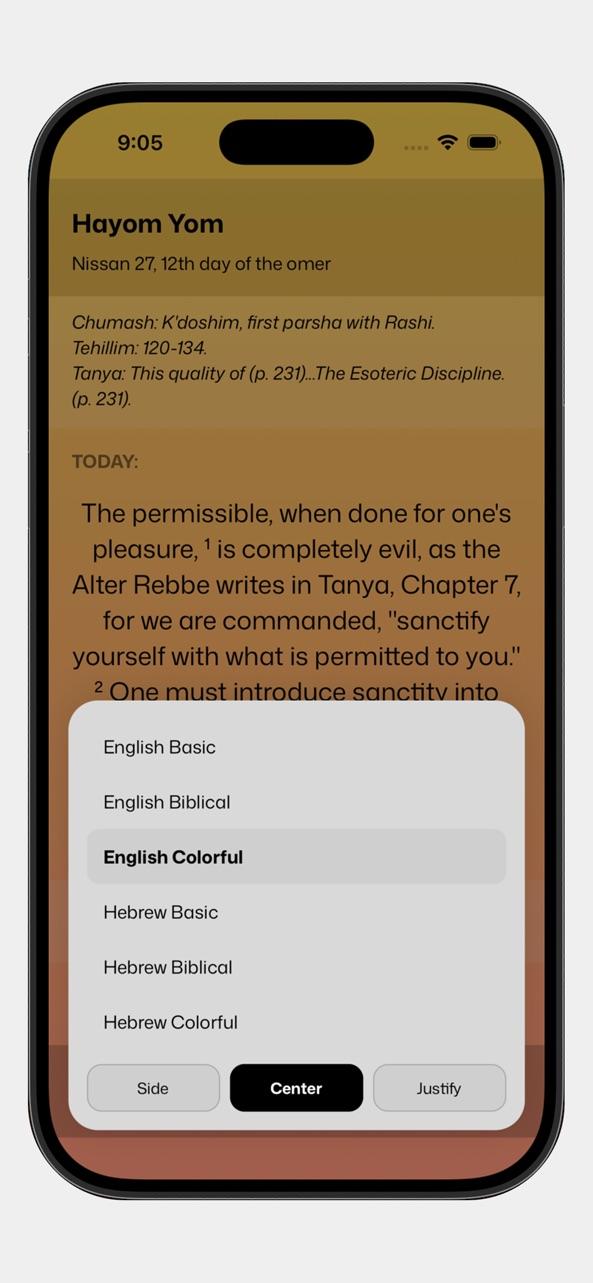
Three styles
- Basic: clean type on a plain page.
- Biblical: a Torah scribe style font for Hebrew and a classic serif for English, on a paper texture.
- Colorful: a gradient behind the text.
Gradients and photos
Colorful comes with ten gradients: Pink, Purple, Mint Cyan, Sunset, Indigo, Orange, Silver, Ice Cloud, Lavender Blue and Lemon Green. Or pick a photo of your own as the background.
Alignment
Set the text to the side, center it, or justify it.
Questions
Does the widget use my style?
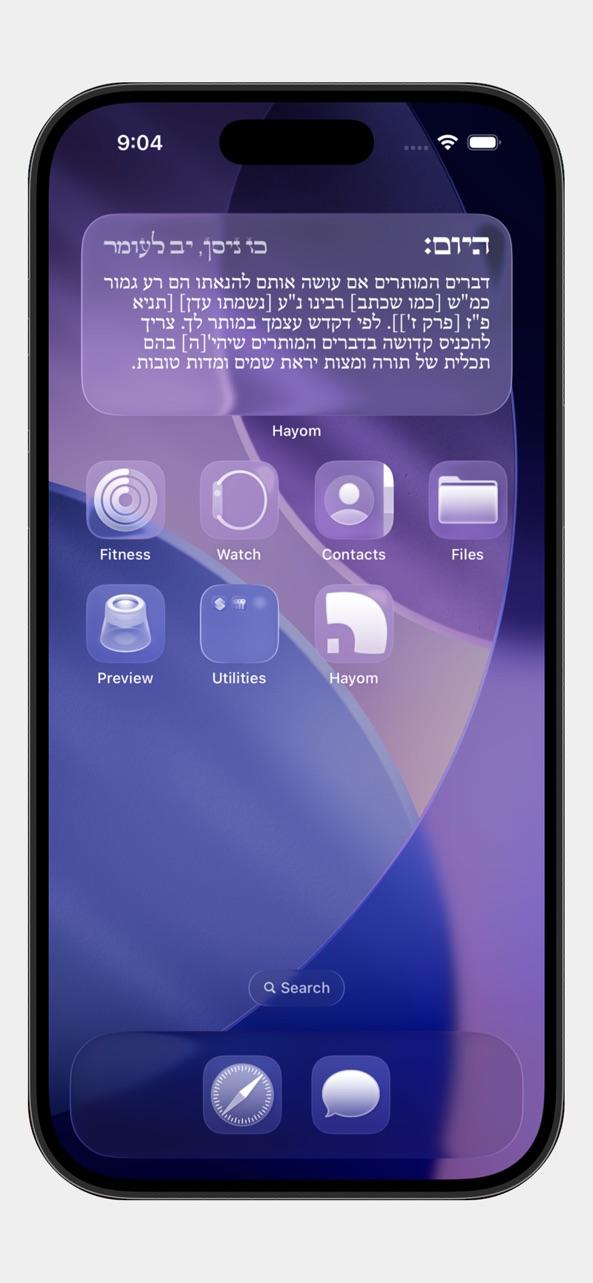
Yes. The widget uses the same style, alignment and background as the app.
Try it in Hayom: Study
Free on the App Store for iPhone and iPad. Requires iOS 15.1 or later.