 Chiptune Sequencer: C.H.I.P.
Play and write with a MIDI keyboard
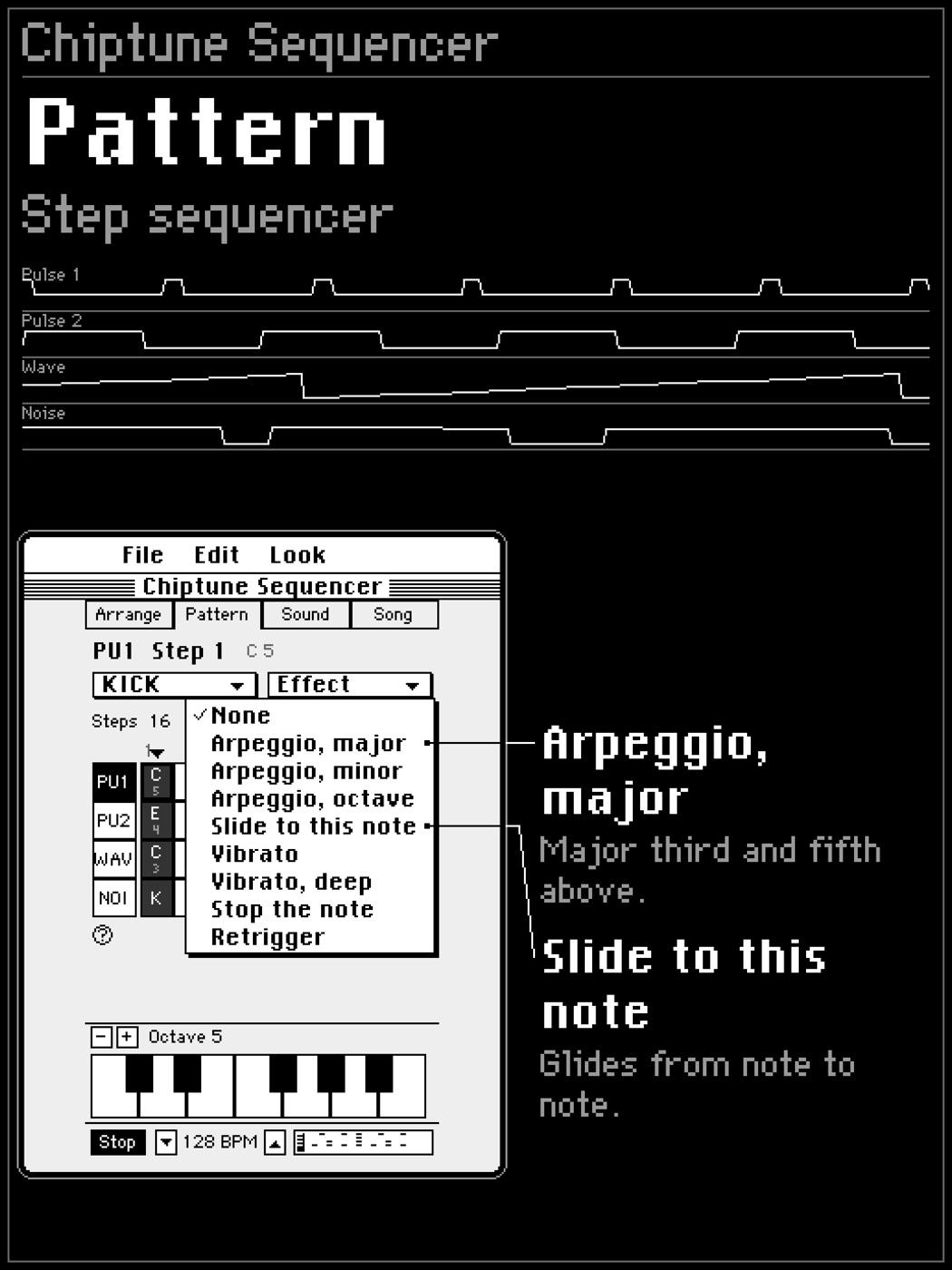
Plug in a MIDI keyboard to play the instrument you are editing, and write notes straight into the grid.
What it does
- Note on and off from a connected MIDI keyboard.
- MIDI channels 1 to 4 play the four sound channels.
- In keyboard mode, the notes you play are written into the selected step.
- Follow an external clock: Start, Continue and Stop, and tempo from MIDI clock.
No keyboard? Use the screen
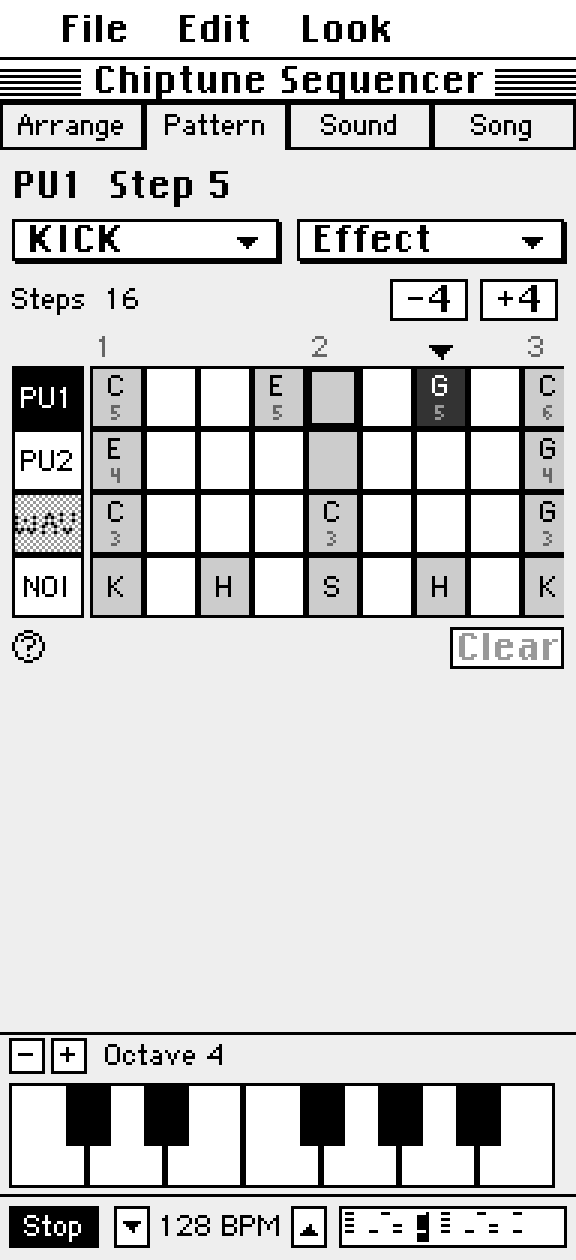
The on screen keyboard switches octaves and writes notes the same way.
Questions
Can C.H.I.P. sync to my DAW or drum machine?
Yes. It follows MIDI clock, including Start, Continue and Stop.
Try it in Chiptune Sequencer: C.H.I.P.
Free on the App Store for iPhone and iPad. Requires iOS 17 or later.