 LifestyleiPhone, iPad and Android100 free scans
Gem
Photograph a gem or a piece of jewelry and get possible matches, with an honest note on what a photo can't tell you
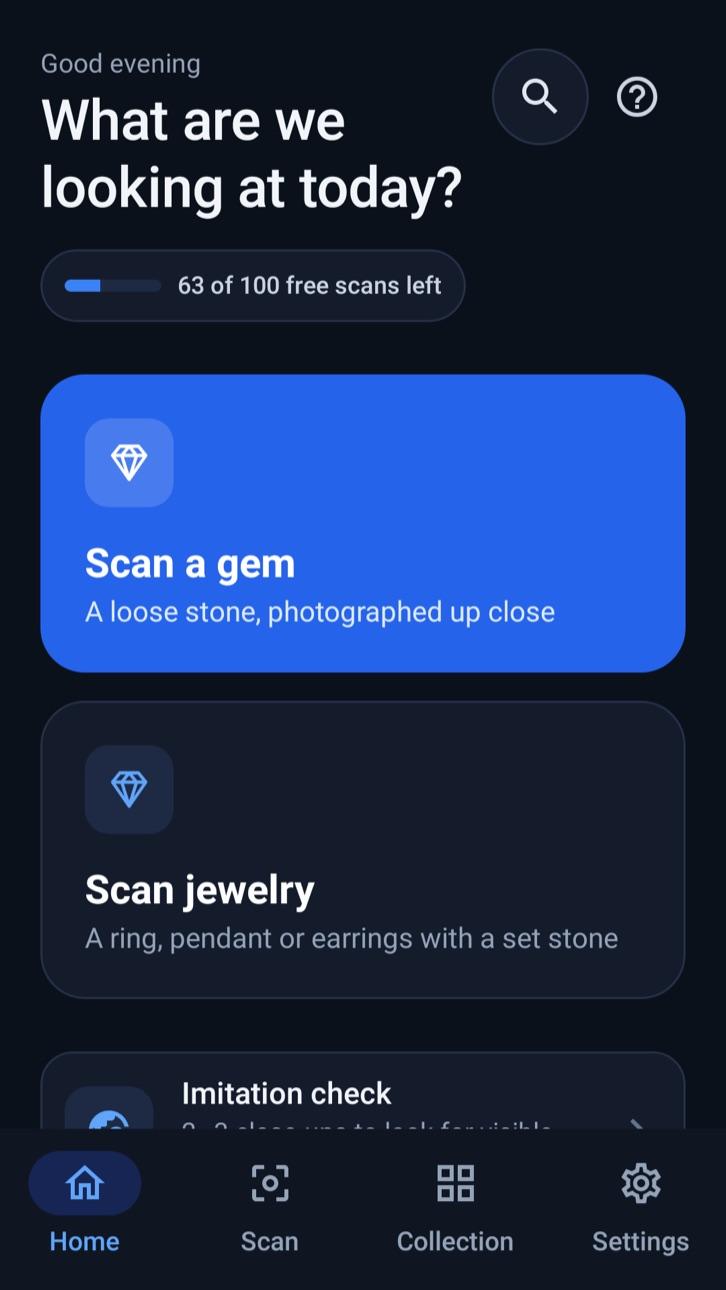
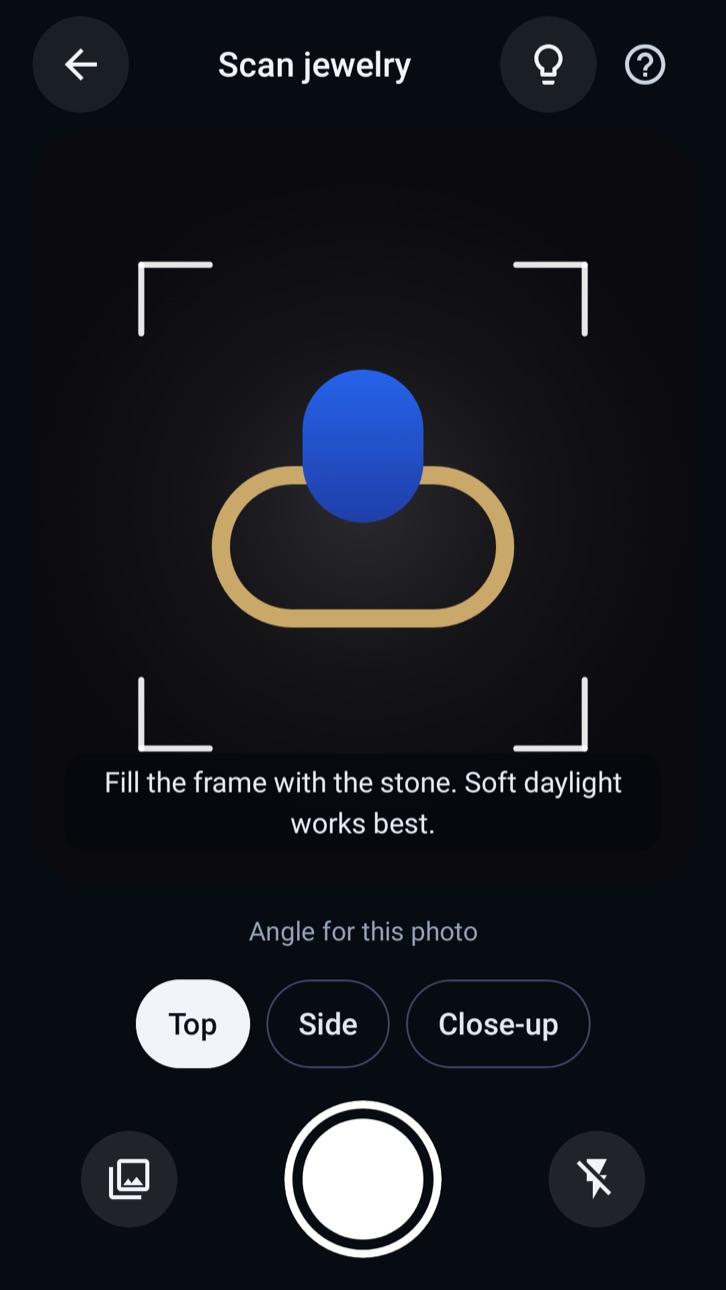
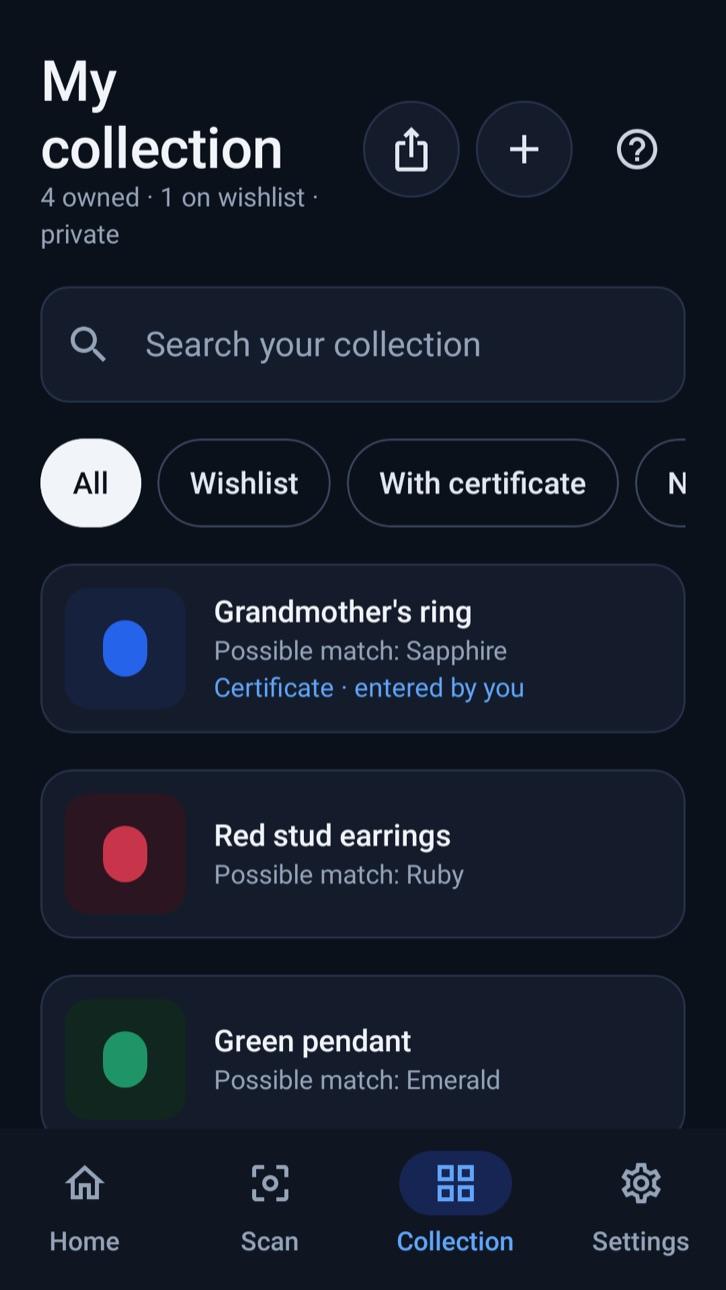
What's really in your jewelry box? GemID helps you find out, honestly. Photograph a loose stone or a piece of jewelry, and GemID checks the photo for focus, light and glare, then suggests up to three possible matches, the features it noticed and the lookalikes worth ruling out.
Results always say "Possible match", never "verified" or "certified", and every result explains what a photo can't tell you: natural or lab-grown, treatments, origin, carat weight or value. When a photo isn't good enough, GemID asks for a better one instead of guessing.
GemID is coming to iPhone, iPad and Android, in English, Hebrew, Arabic, Russian, Spanish and French, with full right-to-left support.
Features
Honest by design
- Up to three possible matches, with the features GemID noticed and the lookalikes worth ruling out.
- Every result says what a photo can't tell you: natural or lab-grown, treatments, origin, carat weight or value.
- Confidence is labeled "unvalidated" rather than shown as a made-up percentage.
- If a photo is blurry, dark or full of glare, GemID asks for a better one instead of guessing.
Imitation check
- Could it be glass or cubic zirconia? Take two or three close-ups and GemID points out visible signs of an imitation.
- Three honest outcomes only: signs consistent with an imitation, no visible signs, or can't tell.
- It never calls a stone real or fake, and tells you who can confirm it.
Your private collection
- Save pieces with notes, where you got them and what you paid.
- Keep certificate details, upload a copy of the report and look up GIA reports on GIA's own website.
- Keep a wishlist, and export a PDF inventory for your insurer (not an appraisal) or a CSV.
Gem library
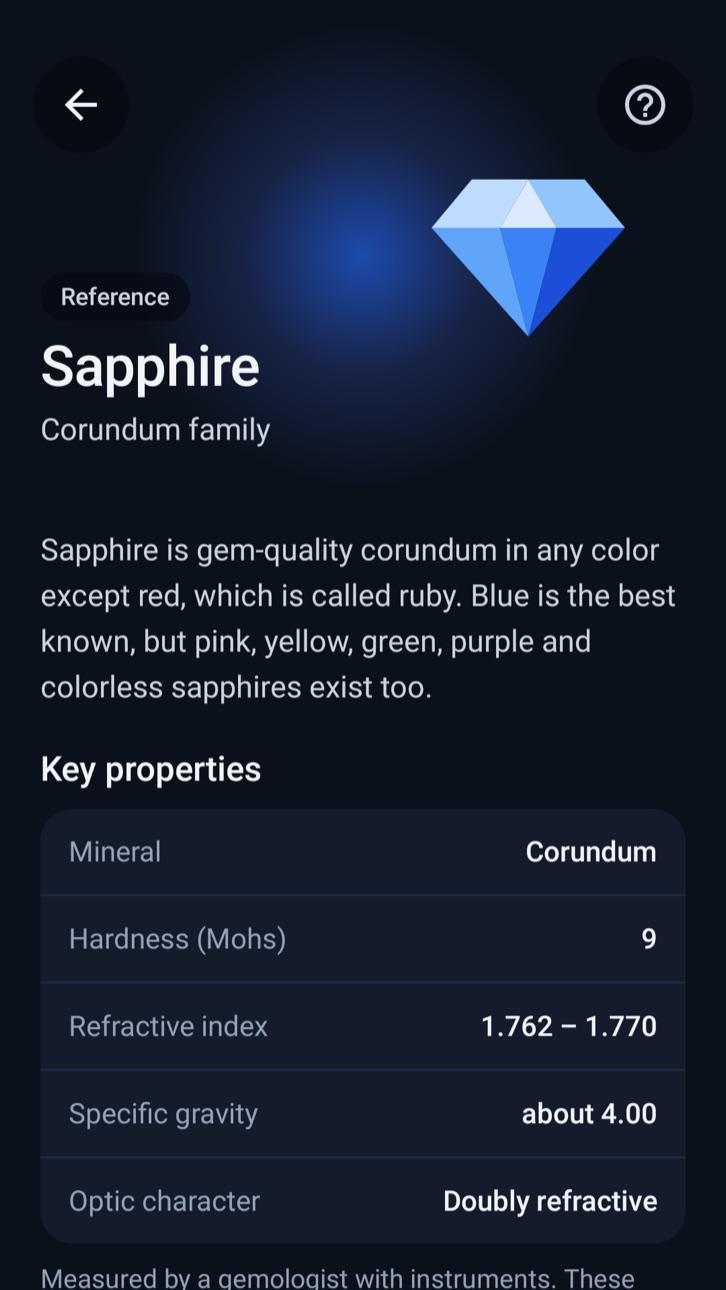
- Search reference pages for popular gemstones.
- Key properties, common lookalikes and treatments, with sources.
Privacy first
- Photos are stored privately and never used to train models unless you opt in.
- Choose how long photos are kept, export your data or delete your account at any time.
- Sign in with Apple, Google or your email.
Frequently asked questions
Can GemID tell me if my diamond is real?
No app can do that from a photo. GemID's imitation check points out visible signs that a stone may be glass or cubic zirconia, but it never calls a stone real or fake, and it can't tell diamond from moissanite or natural from lab-grown. For certainty, ask a qualified gemologist or an accredited lab.
How accurate are the results?
Results are possible matches from an AI model, labeled "Confidence: unvalidated". Treat them as leads to check, not answers. GemID doesn't certify, appraise or authenticate gemstones, and it never estimates value from a photo.
Is GemID free?
Every account starts with 100 free scans, and retakes or failed scans never count. After that, buy a Scan Pack of 50 scans that never expire, or subscribe to GemID Plus for up to 100 scans a month. Your collection, past results and exports stay free.
What happens to my photos?
Photos are sent to an AI provider for analysis and stored privately. They are never used to train models unless you opt in, you choose how long they're kept, and you can delete your account and data at any time.
When will GemID be available?
GemID is coming soon to the App Store for iPhone and iPad and to Google Play for Android phones and tablets. Visit gemidentify.app for news and the help center.
Which languages does GemID support?
English, Hebrew, Arabic, Russian, Spanish and French, with full right-to-left layouts for Hebrew and Arabic.
Get GemID: Gem Identifier
Made by Tech With You. See all our apps or read our privacy policy.